
μίτοςthe thread
Mitros
The studio for building worlds and writing stories.
Like Ariadne's thread in the labyrinth: Mitros keeps your characters, places, ideas and chapters together, so you never lose your way.
For Windows · Android app preview · Free · No account
Prologue
See it at work
Four and a half minutes: from the first idea to a written chapter, all inside Mitros. (The app is in Italian; an English version will follow.)
Chapter I
The Thread
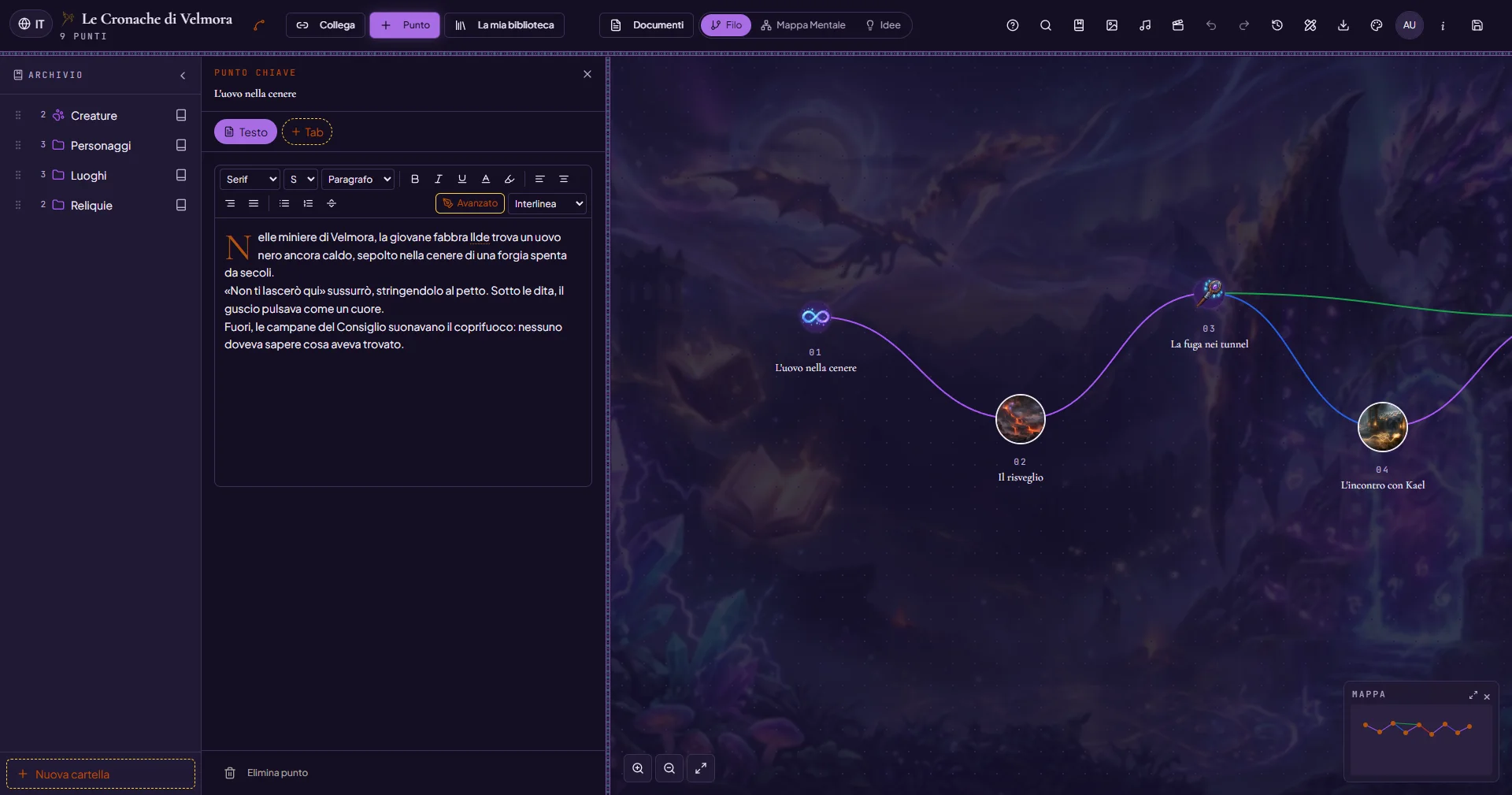
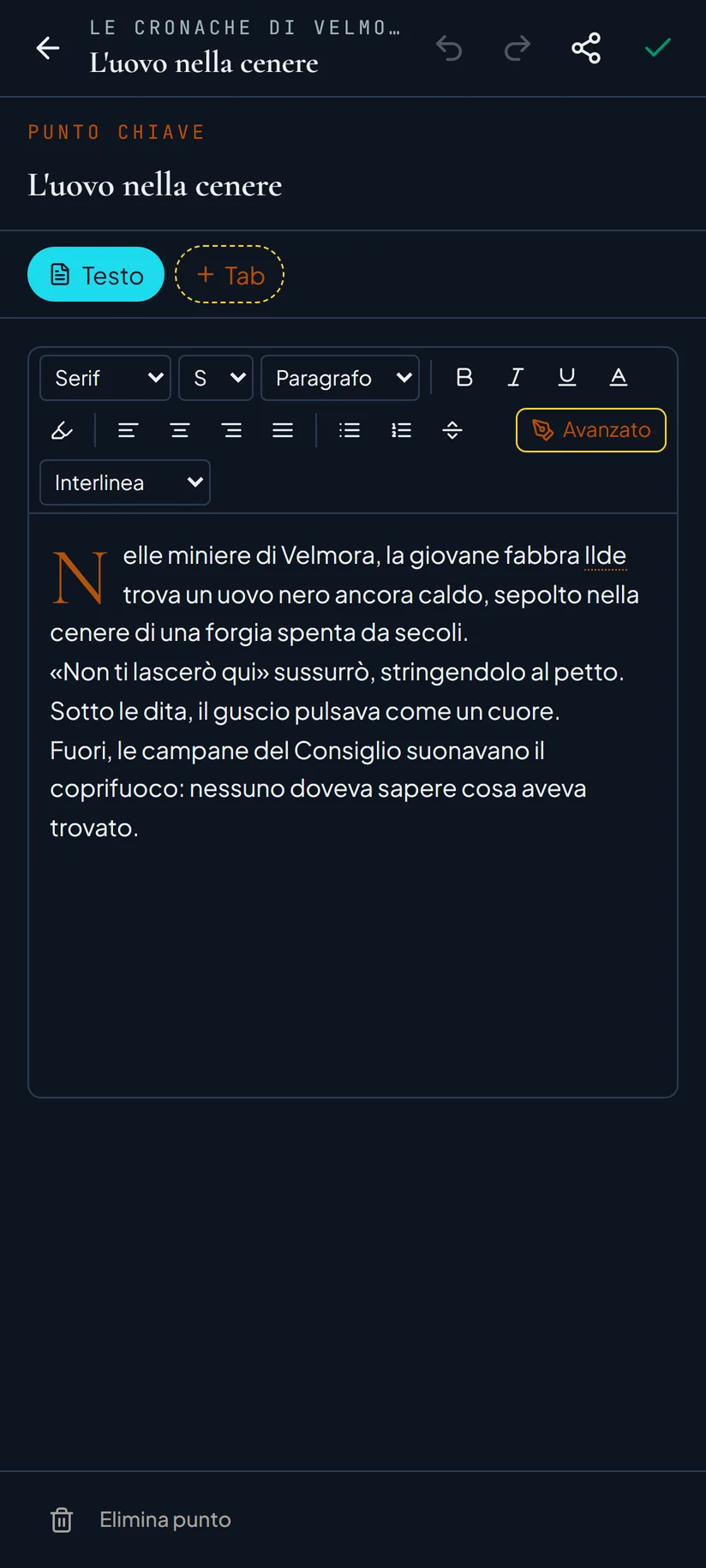
The key moments of your story become Points on a thread you can weave as you like.
- Coloured links, theme icons, pictures in Points
- Click a Point and write the text of that moment
- Merge Points into a document; the mini map guides you through the longest stories
Chapter II
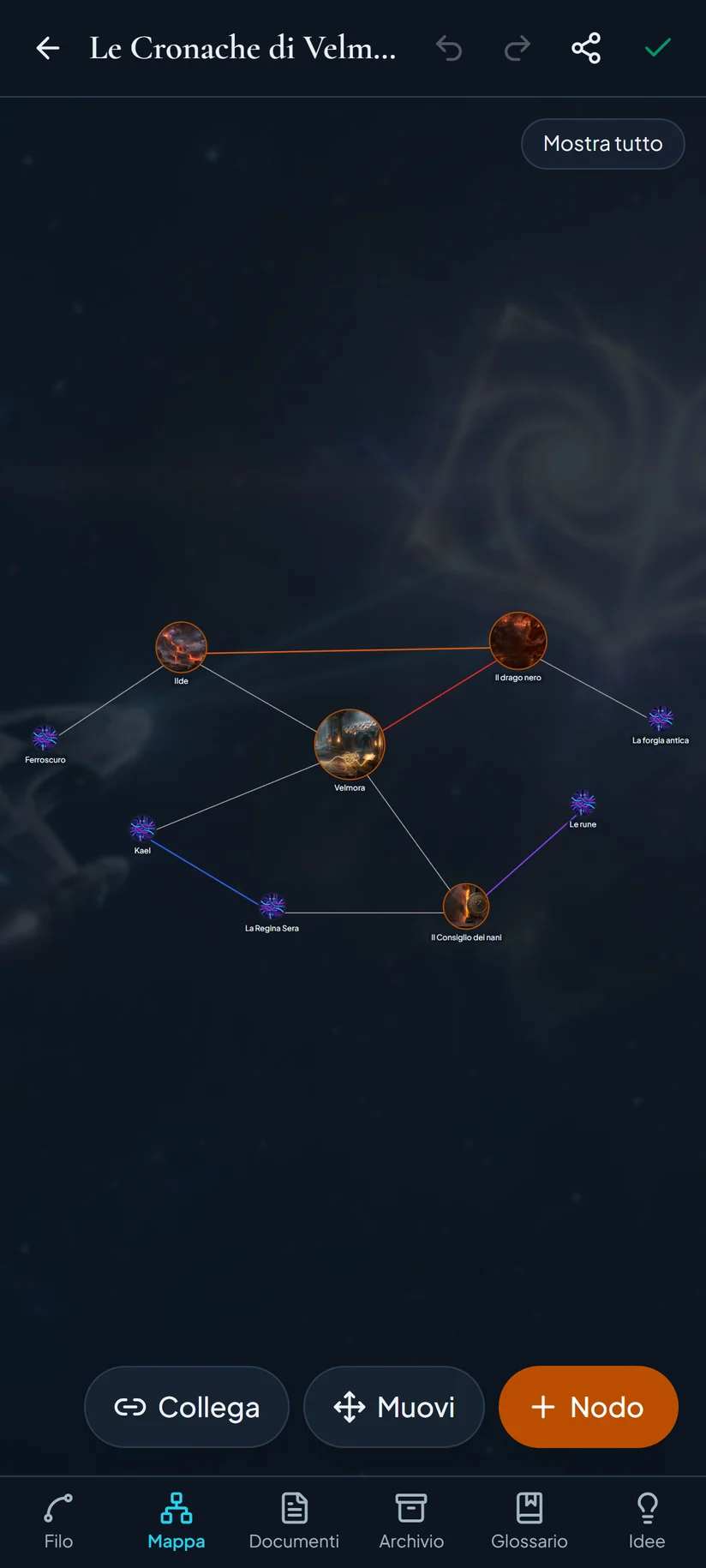
The Mind Map
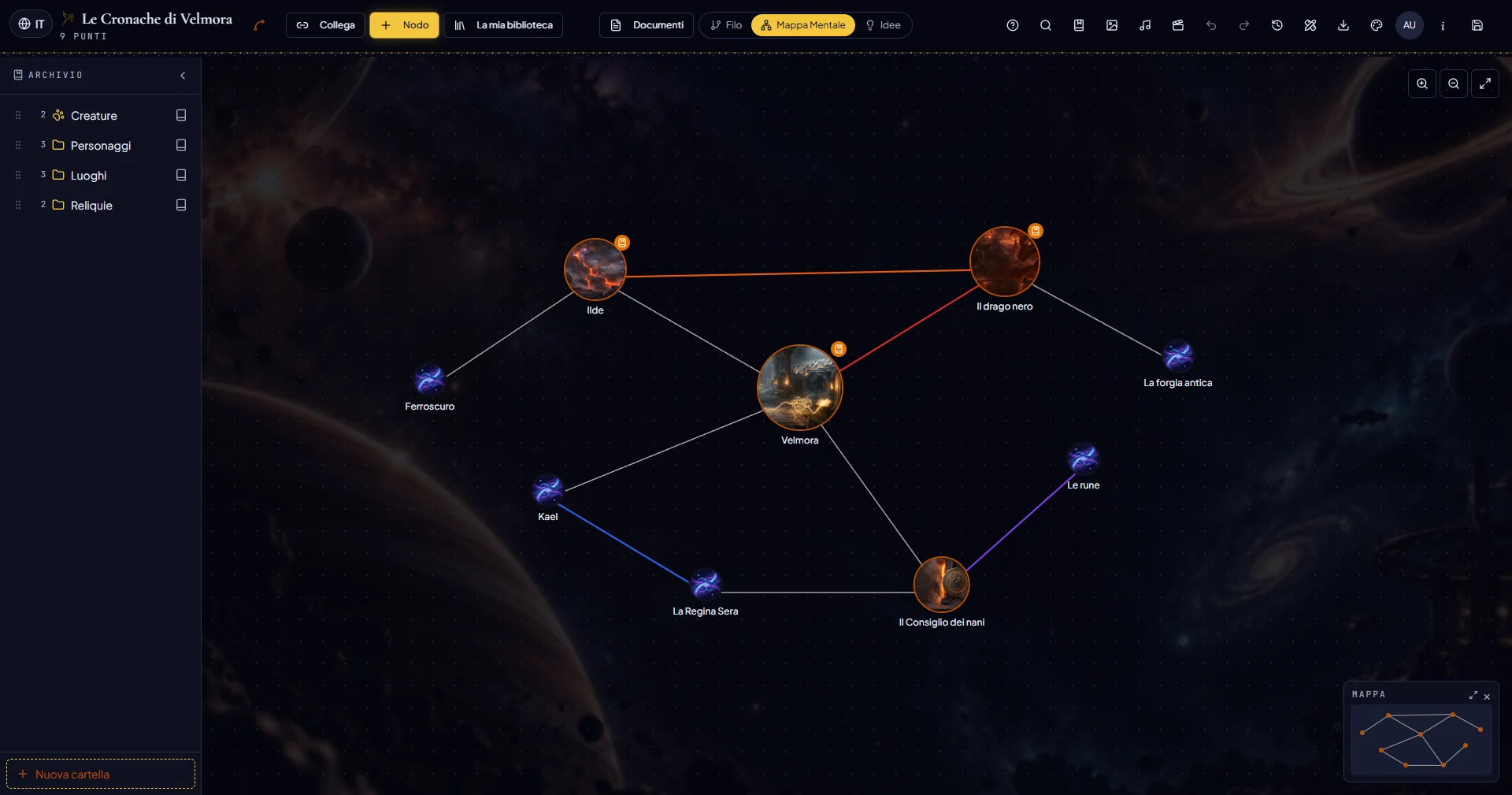
Ideas, characters and themes become a constellation: free nodes to link and move.
- Every node has its own page of text
- Pictures in nodes, choosing the area to show
- A node can become a Glossary entry
Chapter III
The Archive
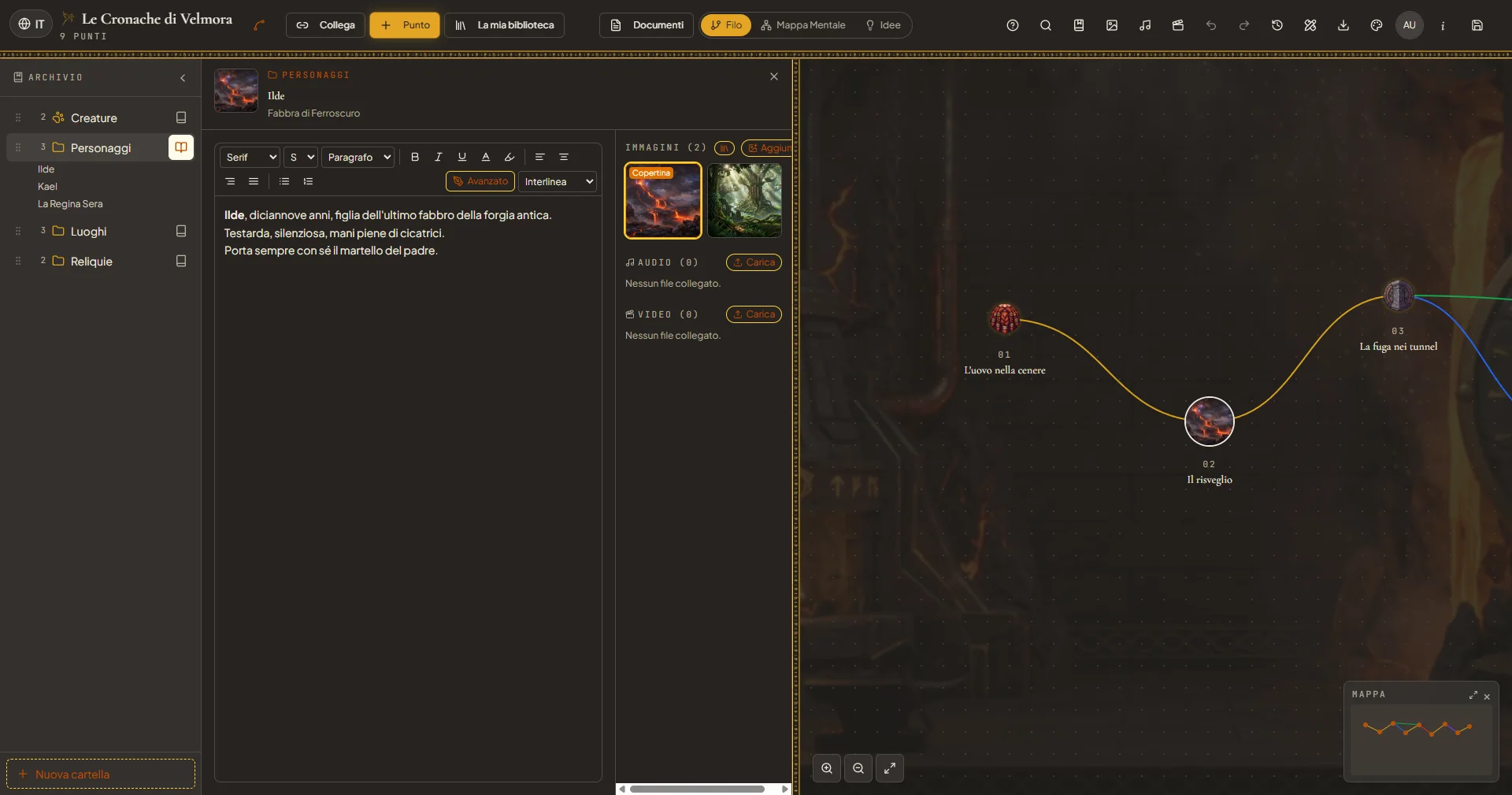
Folders for characters, places, relics and creatures: every item has its own sheet.
- Sheets with text, pictures, audio and video
- A media library for the world, with photo, audio and video editors
- Voice recordings turned into text, on your PC
Chapter IV
The Glossary
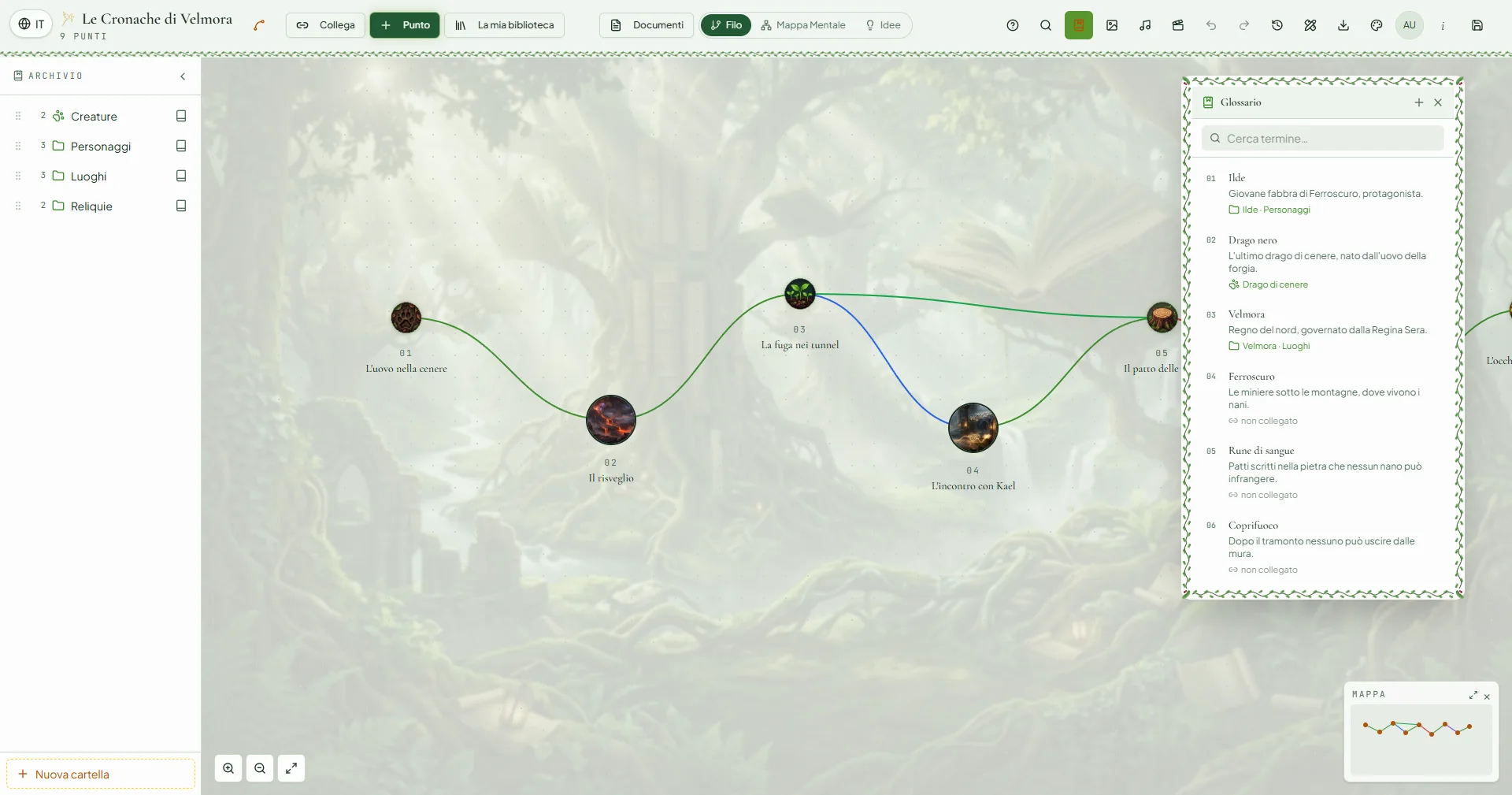
Names, places, spells: select a word in the text and link it to the Glossary.
- Hover the word to read its definition
- Every entry leads to the linked item
- Find who is who in a moment, even months later
Chapter V
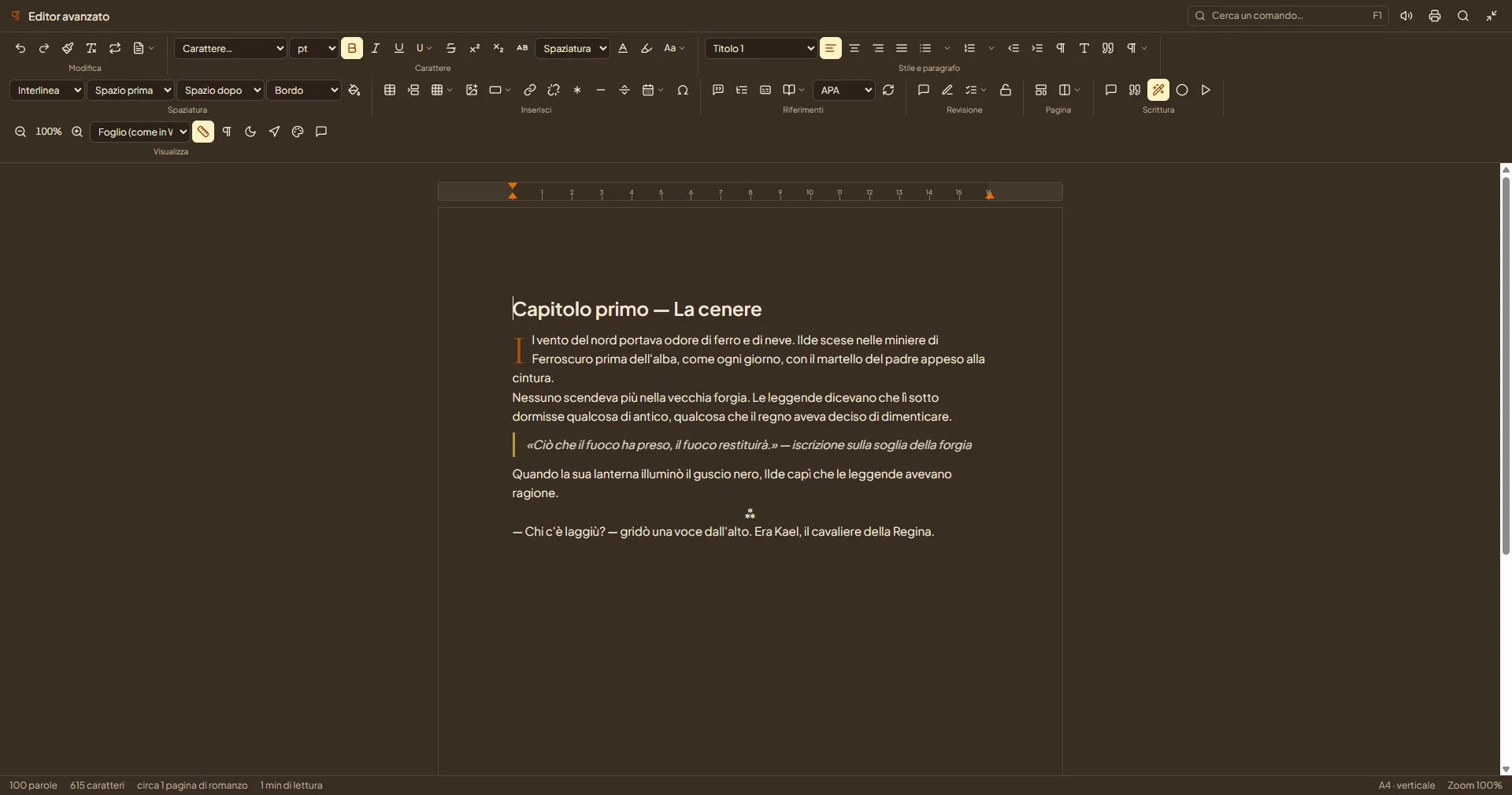
The writing desk
A complete editor made for books, inside every Point and every document.
- Styles, drop caps, notes, table of contents, track changes and comments
- Find and replace, word and page count, read aloud
- Export to Word and PDF; optional writing assistant (Claude or a model on your PC)
Chapter VI
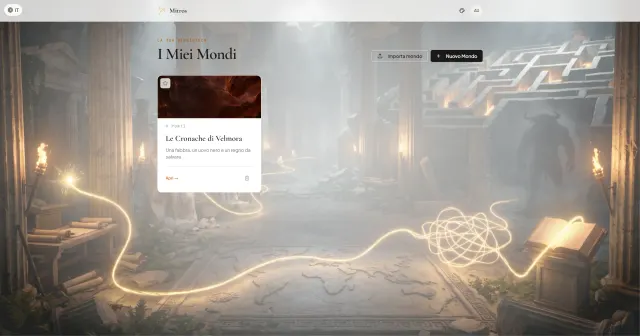
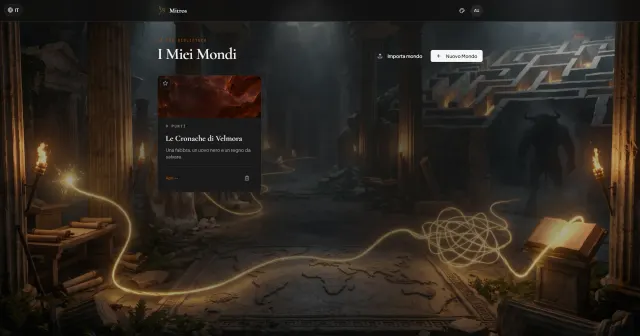
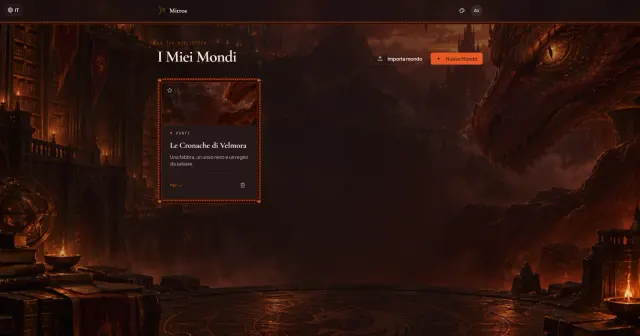
The themes
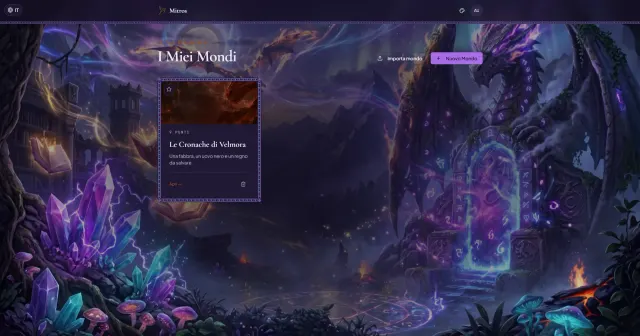
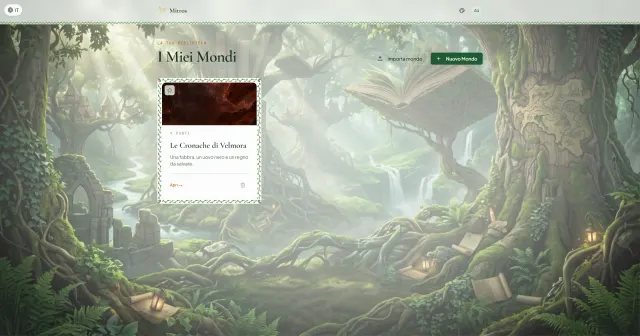
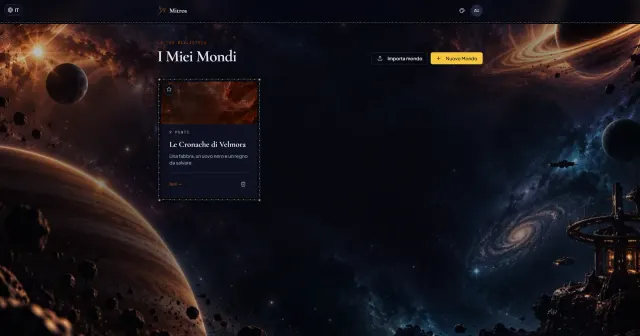
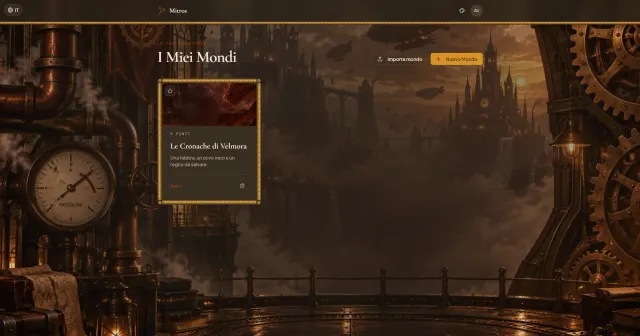
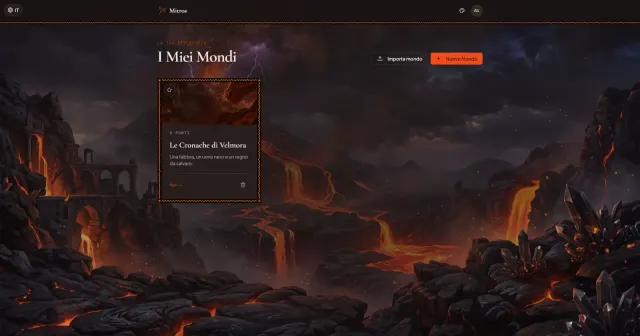
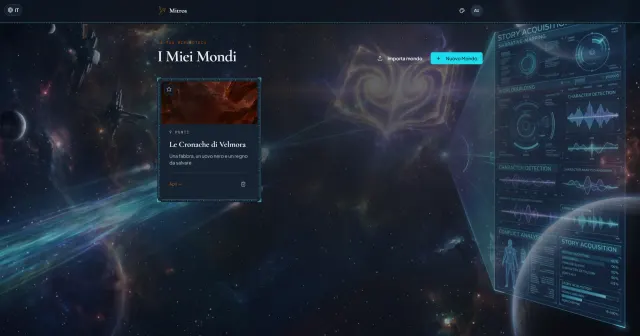
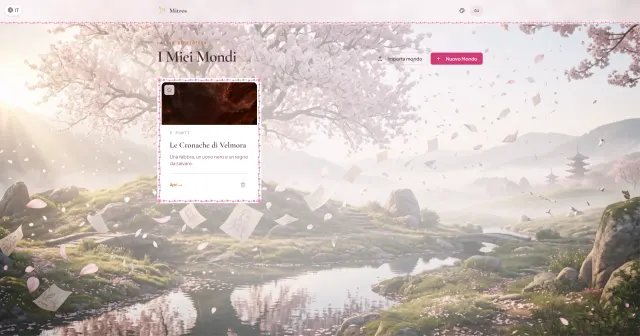
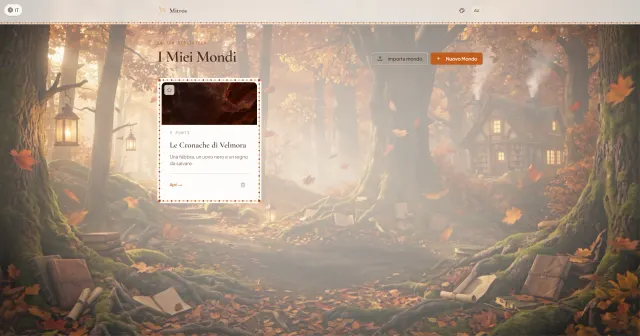
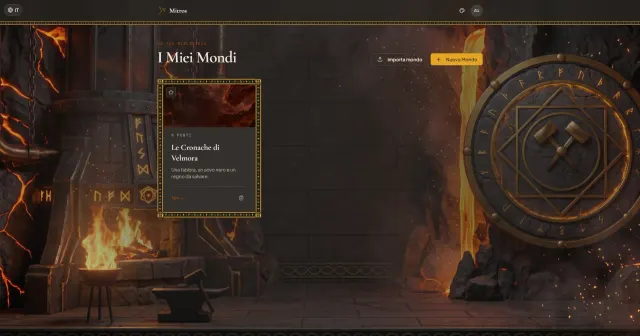
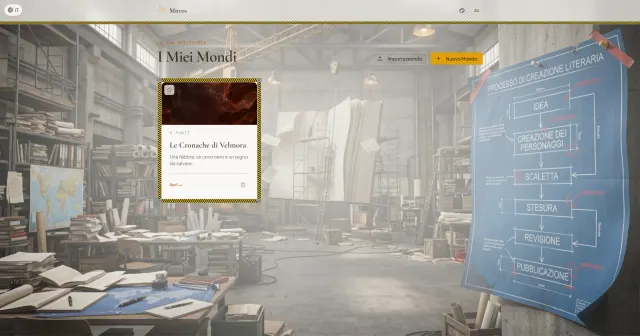
Thirteen atmospheres: each theme changes colours, illustrations, frames and icons. Pick the one of your book.
Chapter VII
In your pocketPreview
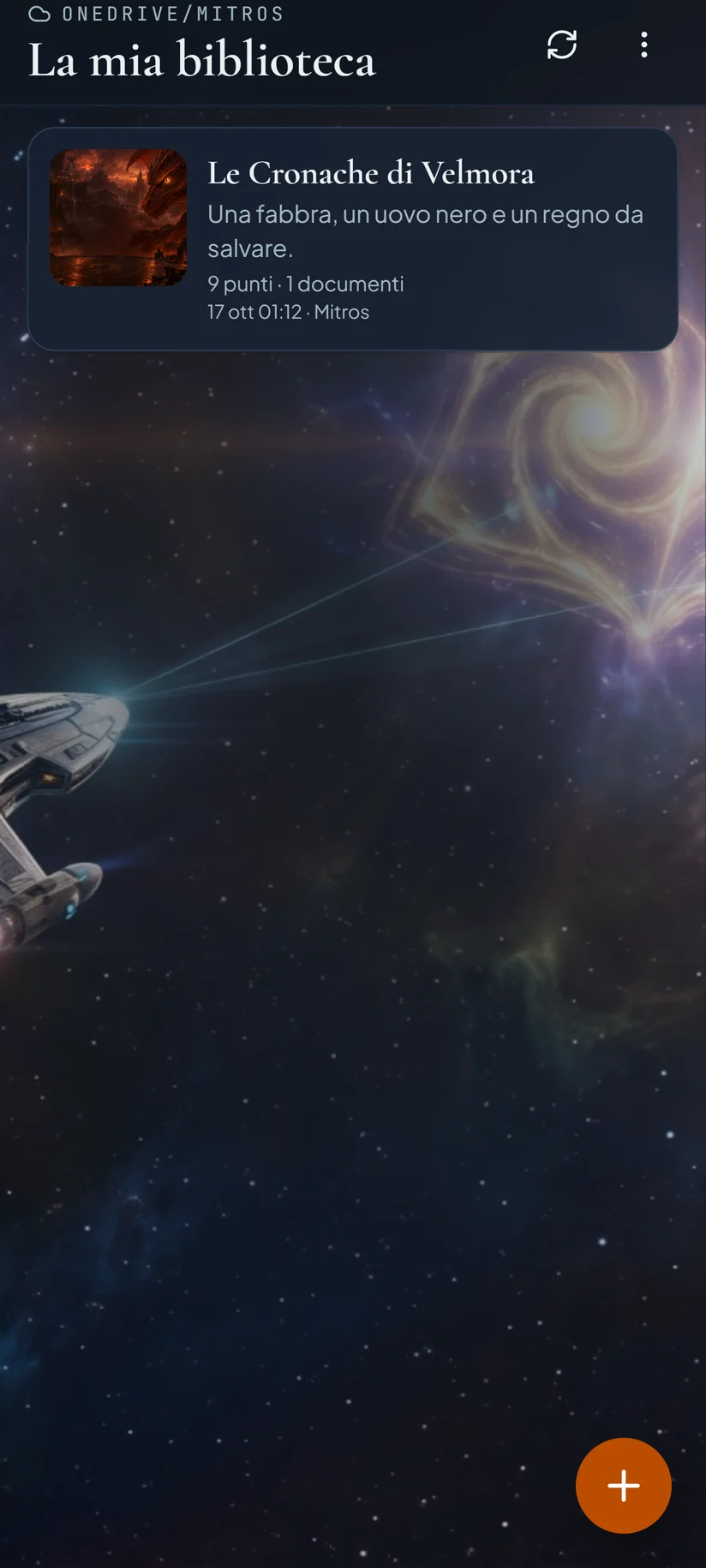
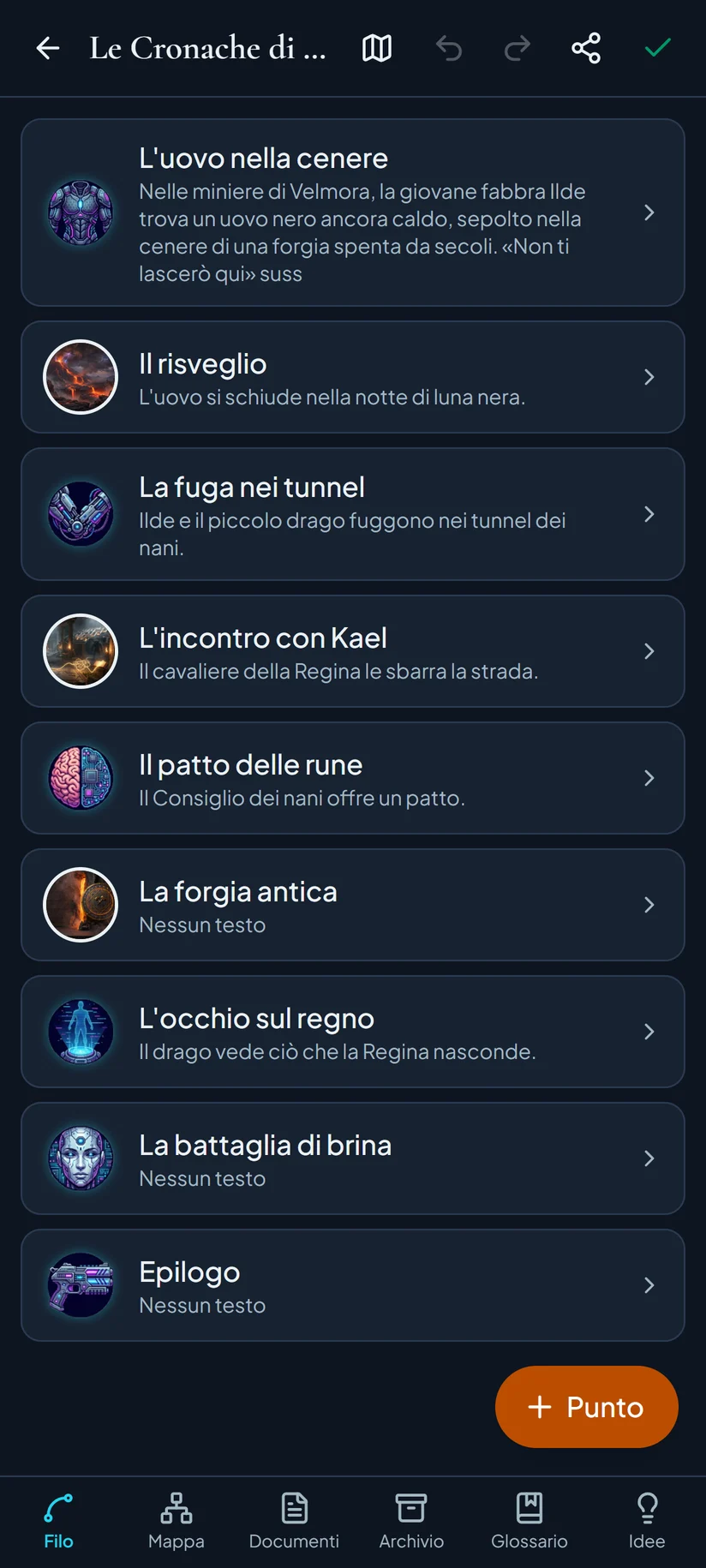
Mitros for Android works on the same files as the PC, in your OneDrive folder: reread, edit, add photos and ideas anywhere, and find everything on your computer.
Epilogue
Download Mitros
Free, no account, no ads.
Windows
Download for WindowsSeeing “Windows protected your PC”?
- Click More info.
- Then Run anyway.
- Mitros installs itself and appears on the Desktop and in the Start menu.
The warning appears because Mitros does not yet have a paid digital signature, not because something is wrong. Only download Mitros from this site.
Android Preview
Download for AndroidHow to install
- Download the file on your phone and open it.
- If asked, allow Install unknown apps for your browser.
- If Play Protect warns you, tap More details → Install anyway.
- Open Mitros and sign in with the Microsoft account of the OneDrive that holds your library.
You need a Mitros library on OneDrive: the PC program creates it (or the app itself, if you have none).
Your worlds stay yours. No Mitros account and no servers: worlds are files in the folder you choose (OneDrive too). Mitros collects no statistics. Privacy →